
SDCull
Photo culling for photographers, straight off the card. Open an SD card or a drive on your iPhone or iPad, review the photos, flag the keepers and the culls, and move them. The app works offline.
- Platform
- iOS · iPadOS
- Data
- Offline. Photos never leave your device or drive.
Screenshots
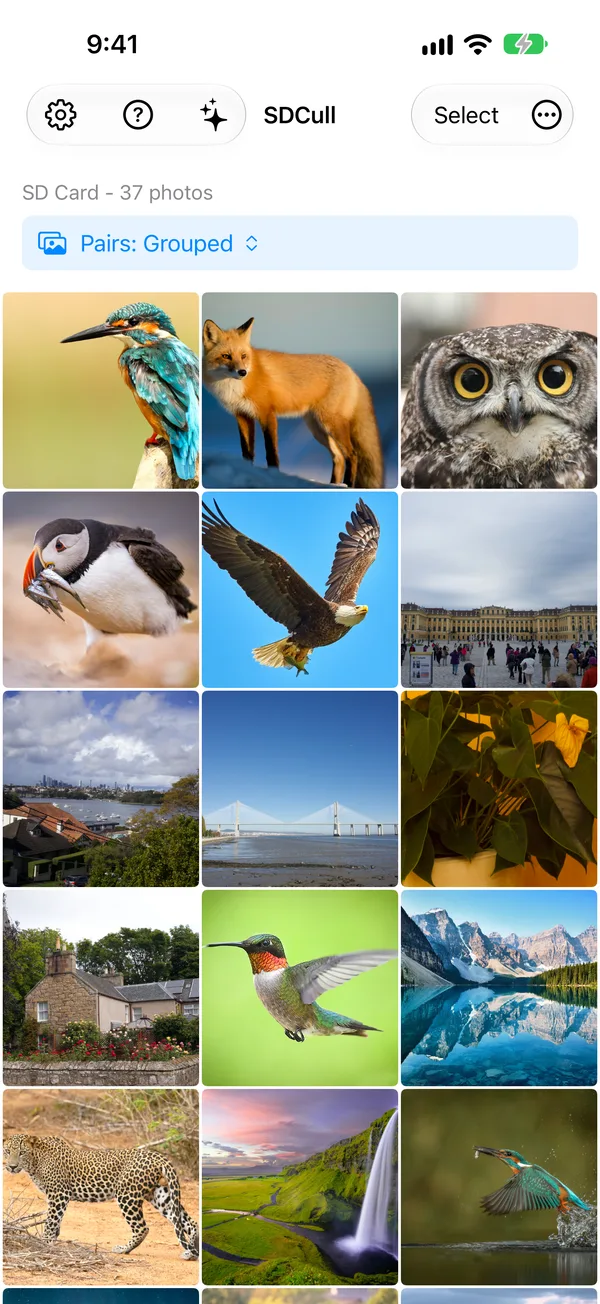
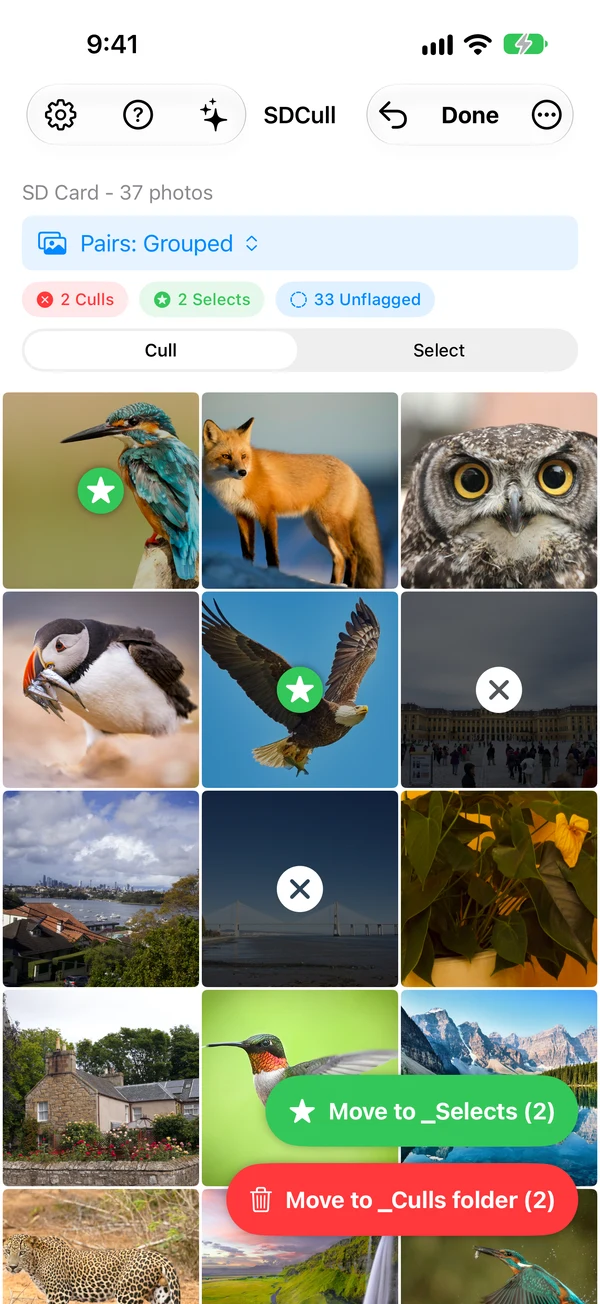
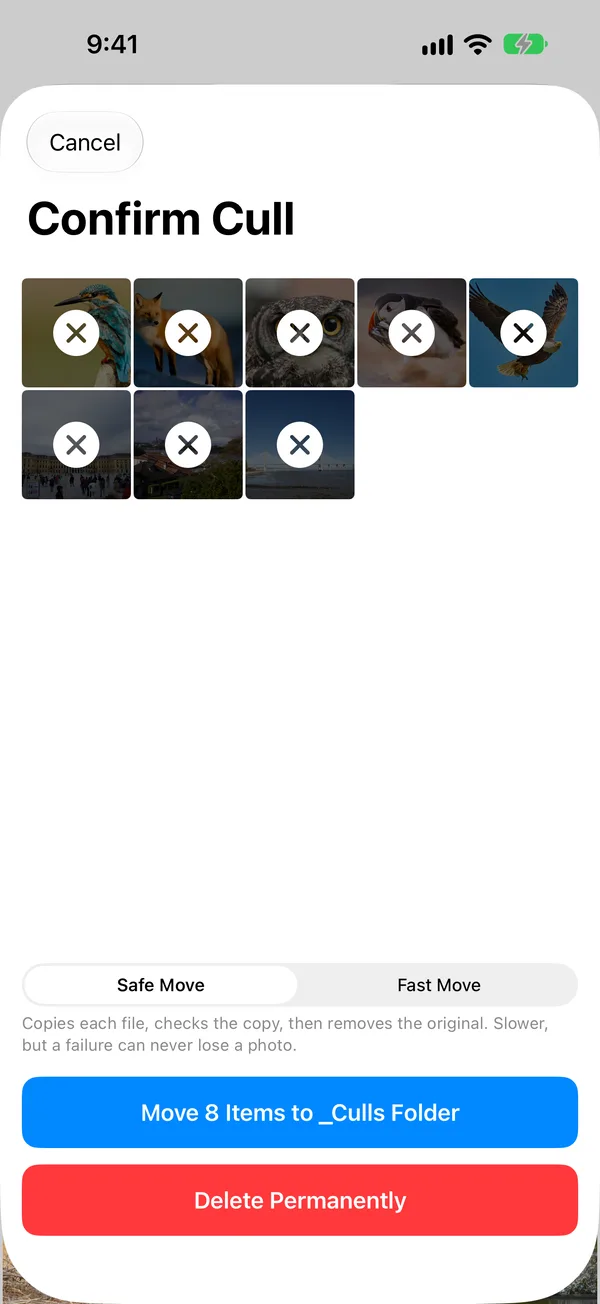
Features
RAW and JPEG pairs
The photo grid groups the RAW and JPEG or HEIF files from the same shot, so each photo appears once.
Zoom to check focus
Open a photo and zoom in to check focus. The detail view shows the camera information for the shot.
Flag one, or many
Swipe to flag a photo as a cull or a keeper. Selection mode flags many photos at once, and keepers can go to any folder you choose.
Move now, delete later
Flagged culls move to a _Culls folder on the card when you confirm. You empty that folder when you are sure.
Privacy
SDCull works offline. Your photos never leave your device or drive. We do not track your files, metadata, or activity.
Support
Send questions, technical problems and bug reports by email. We usually reply within 24 to 48 hours.
Email support@oneradstudio.com- iPhone or iPad model and iOS or iPadOS version
- The SD card reader you used
- Steps to reproduce the issue
- Screenshots if applicable