Simple qBittorrent Remote
A companion app for your qBittorrent server. Control it from your iPhone or iPad: watch speeds, add torrents, and pause, resume, or delete transfers. It is a remote, not a downloader.
- Platform
- iOS · iPadOS
- Needs
- A qBittorrent client with the Web UI turned on
- Data
- Nothing collected
Simple qBittorrent Remote is a remote management tool, not a standalone downloader. It requires an active qBittorrent client running on a computer or NAS with the Web UI enabled.
Screenshots
Features
Live speeds
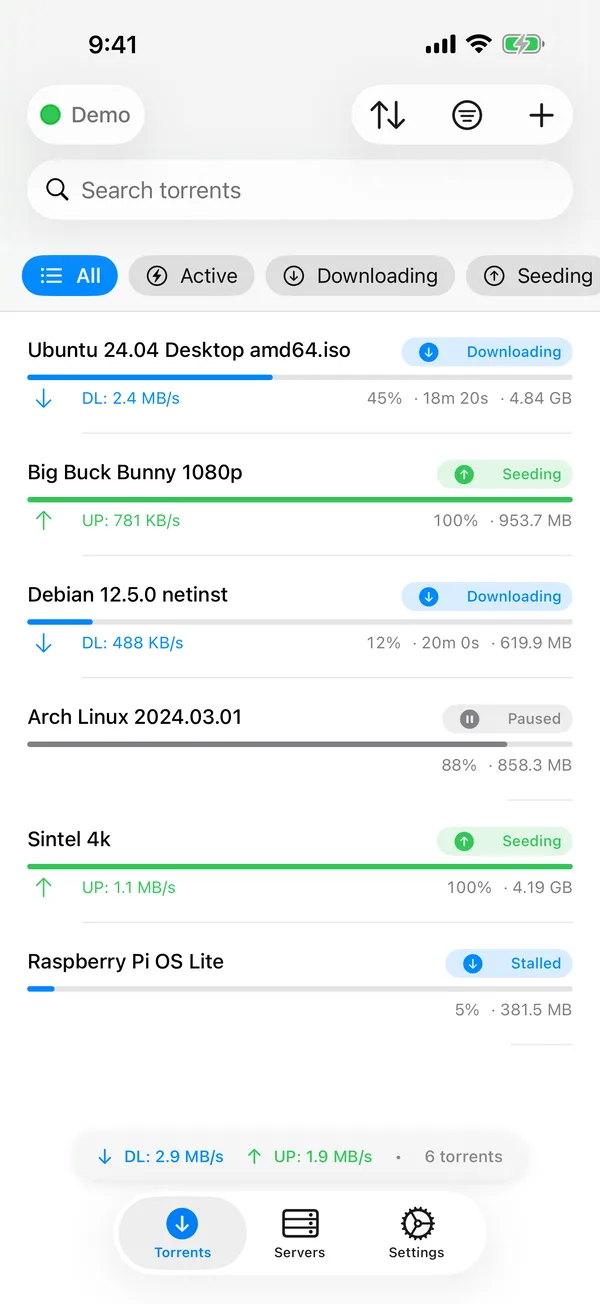
The torrent list shows the download and upload speed of each transfer as it happens.
Transfer detail
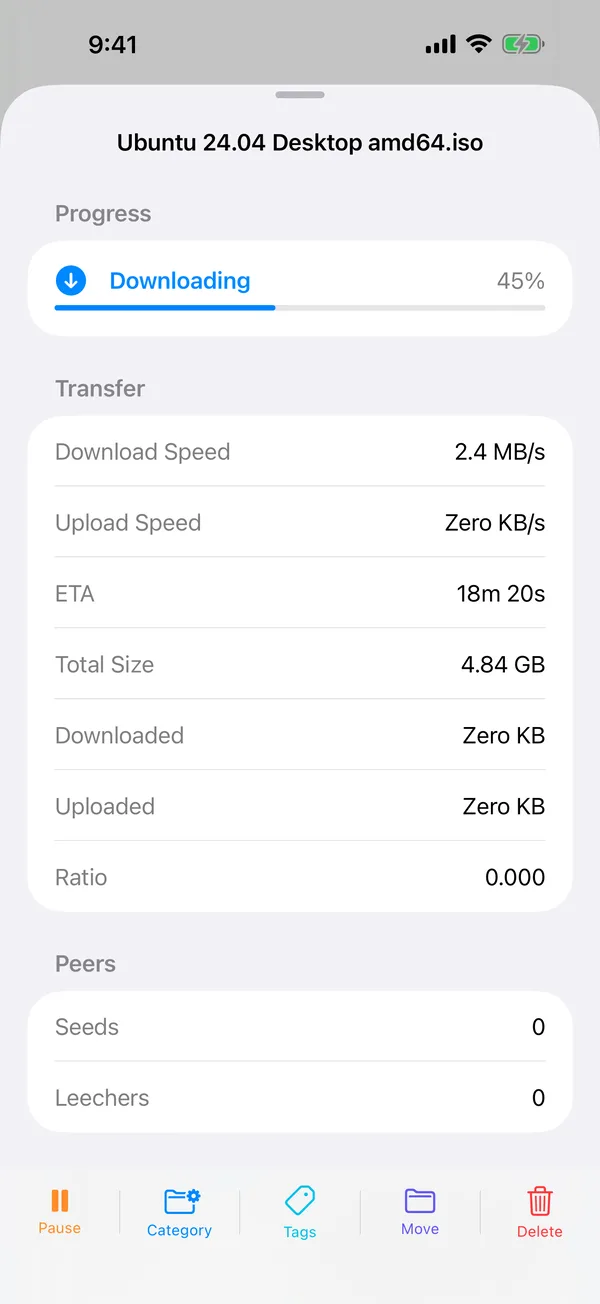
The detail view shows the progress of each file, the trackers, and the peers.
Magnet links and files
Add a torrent with a magnet link or a .torrent file.
More than one server
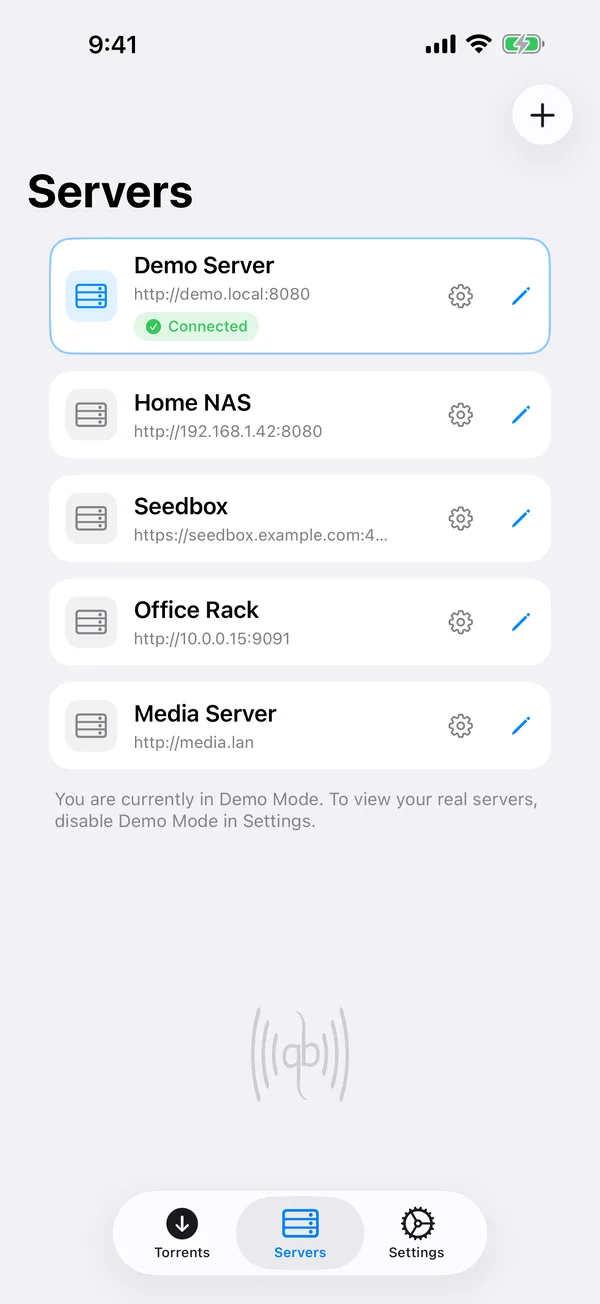
Save several qBittorrent servers and switch between them.
Privacy
The app does not collect or store any information about your torrents, server connection details, or browsing habits. Your server credentials stay in your device keychain, and the app talks only to your own qBittorrent server.
Support
Send questions, technical problems and bug reports by email. We usually reply within 24 to 48 hours.
Email support@oneradstudio.com- iPhone or iPad model and iOS or iPadOS version
- The qBittorrent version on your server
- Steps to reproduce the issue
- Screenshots if applicable